How to Reload Your ECO Spool
Transfer filament refills to your reusable ECO Spool in under 60 seconds. No tools required with ECO Spool 2.
Notice · Spec change · 2026
Refills are now 60mm tall
New refills fit the ECO Spool 2.1. The 2.1 also takes the old 58mm refills — check which spool you have.

ECO Spool 2 (2024–Present)
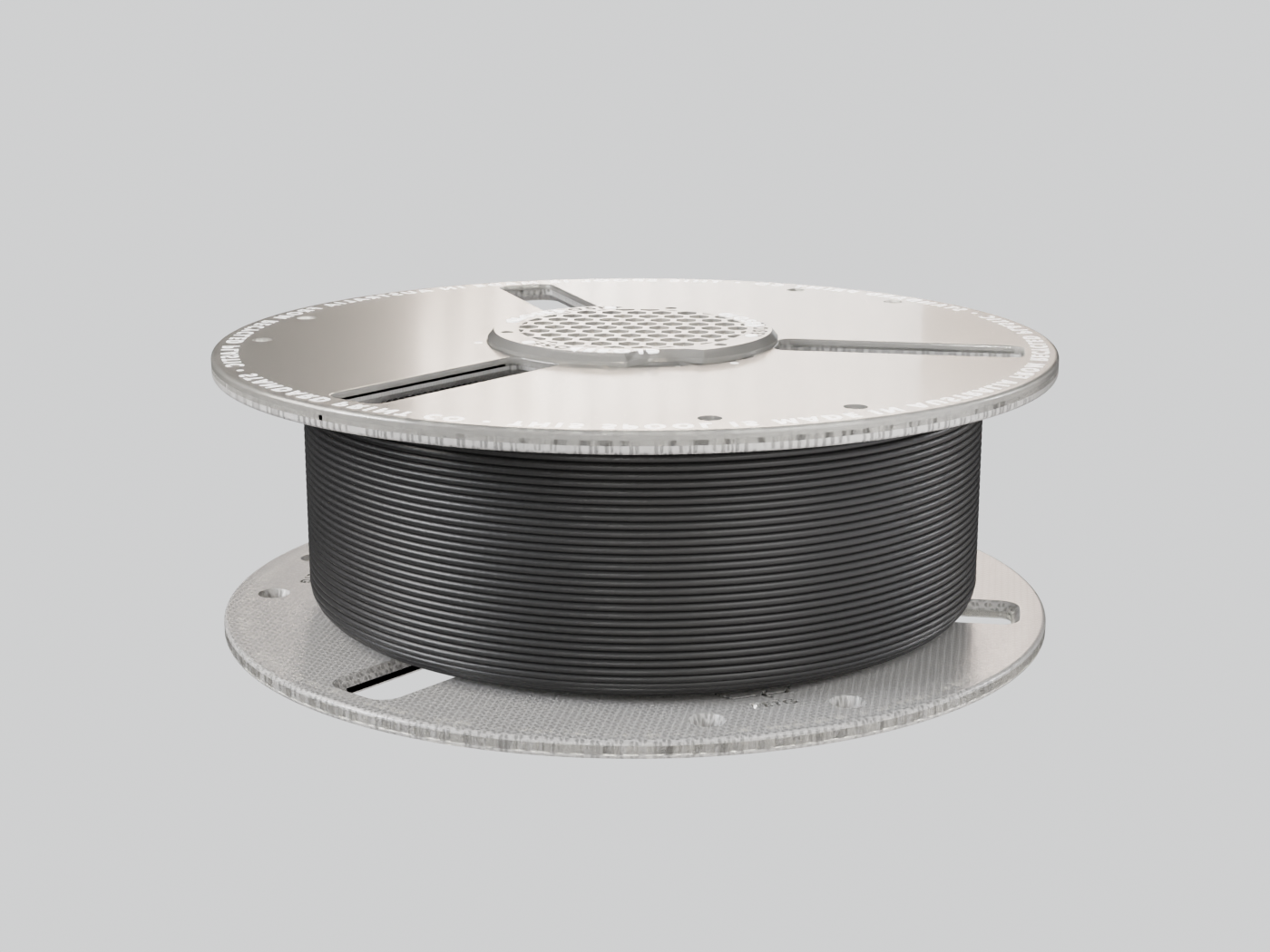
Our ground-up redesign of our original ECO Spool. Made in-house, in Australia from 90% post-consumer recycled rPETG. ECO 2 requires no tools to reload. Simply twist to open, load and twist to lock.
- Optimised for Multi-Material Printing — Ensure smooth filament retraction, swap and purge moves
- Easy Filament Swapping — Strategic cut-outs allow for refills to be restrapped and swapped
- Made from 90% Recycled Material — Made in Australia with post-consumer recycled 3D printing waste
- Tool-free design — Twist to open, load and twist to lock
VIDEO GUIDE
Watch the Process
STEP-BY-STEP
Reload in 6 Steps
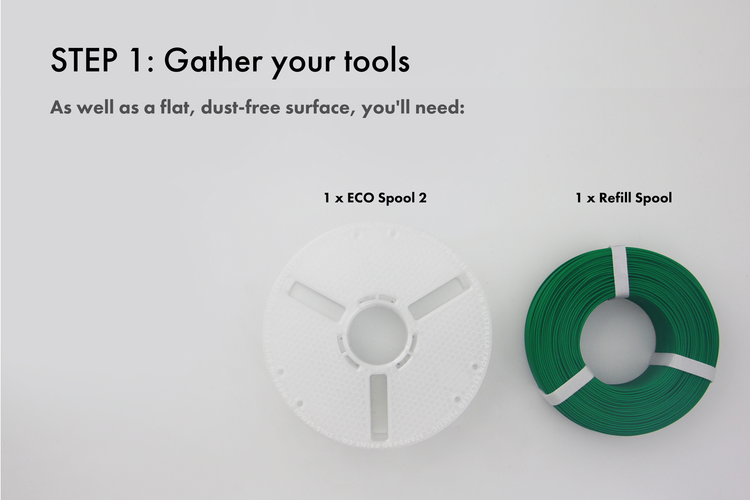
Gather Your Tools
Gather a flat, dust-free surface. You'll need one ECO Spool 2 and one refill spool.
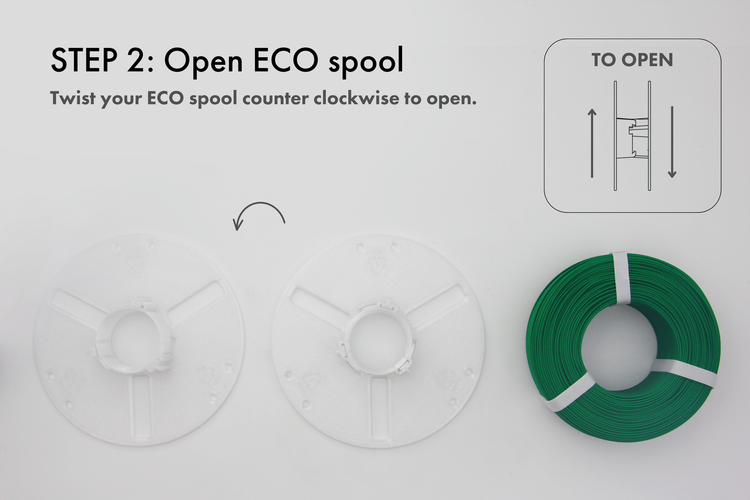
Open ECO Spool
Twist your ECO Spool counterclockwise to open.
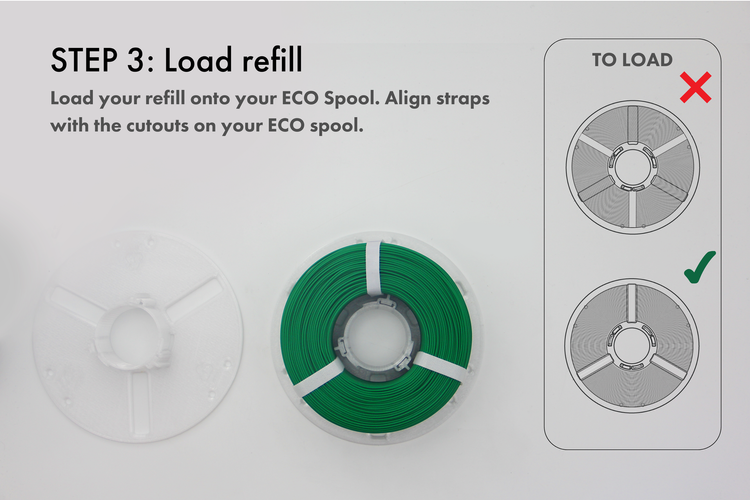
Load Refill
Load your refill onto your ECO Spool. Align straps with cutouts on your ECO Spool.
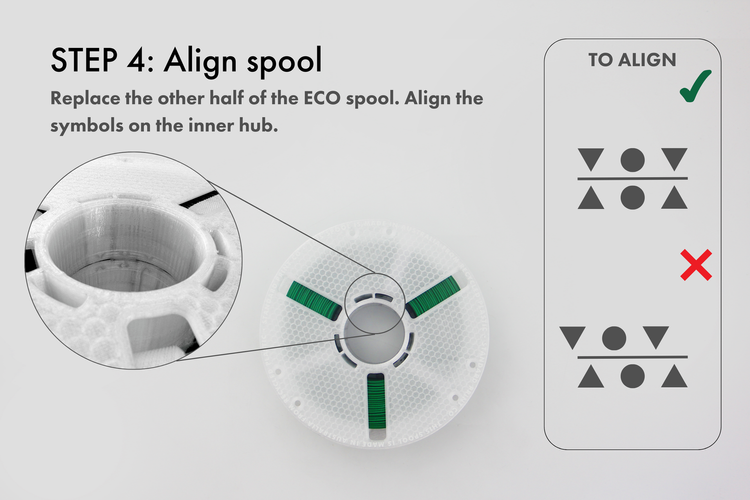
Align Spool
Replace the other half of the ECO Spool. Align the symbols on the inner hub to lock.
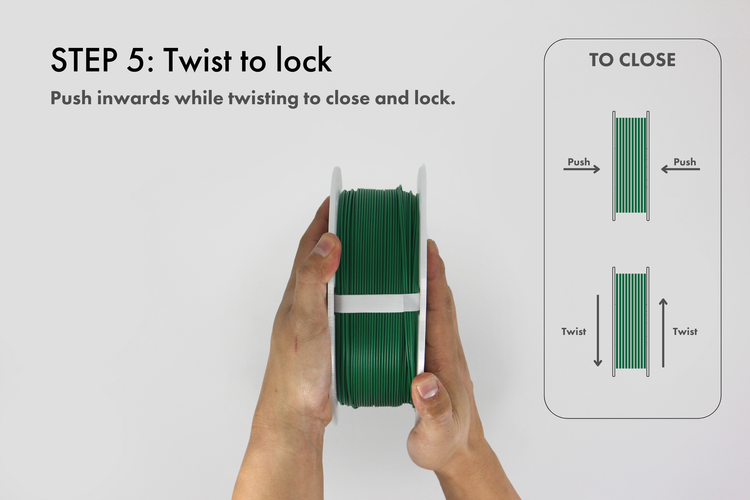
Twist to Lock
Push inwards while twisting to close and lock.
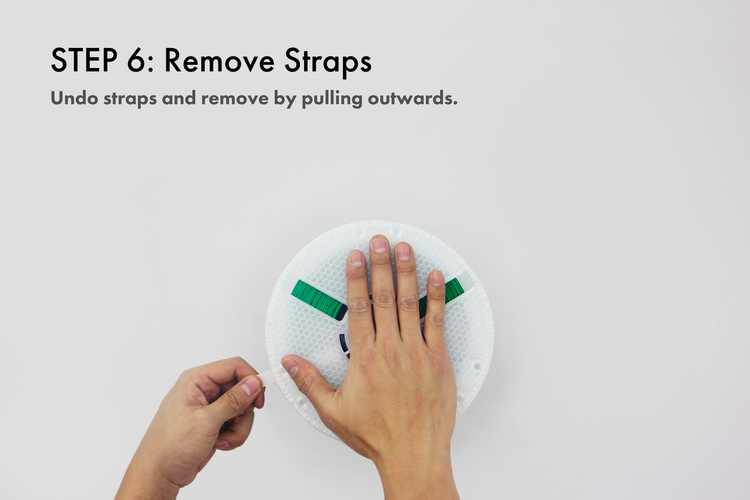
Remove Straps
Remove the adhesive straps through the ECO Spool cutouts. Your spool is now ready to print.
Scroll to explore
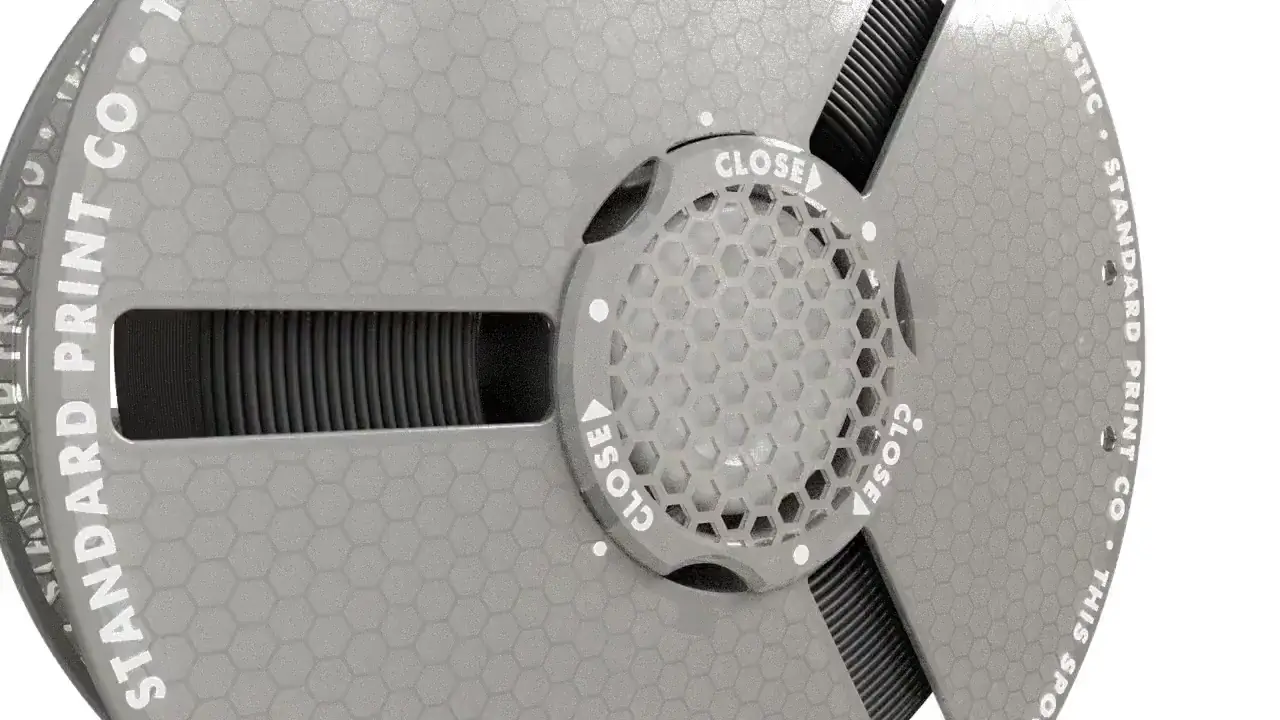
The Eco Spool 2 is STANDARD PRINT CO.'s closed-loop refill system: recycled-plastic, refillable spools that cut single-use plastic waste. Filament refills load onto the reusable spool, held by retention clips, with an optional DRY090 canister that keeps filament dry between prints.
ACCESSORIES
Load a DRY090 Canister
The bore through the middle of the spool takes a DRY090 Canister, held at each end by a clip. It is sized for the canister and nothing else — never pour loose desiccant, sachets or refill granules in there.
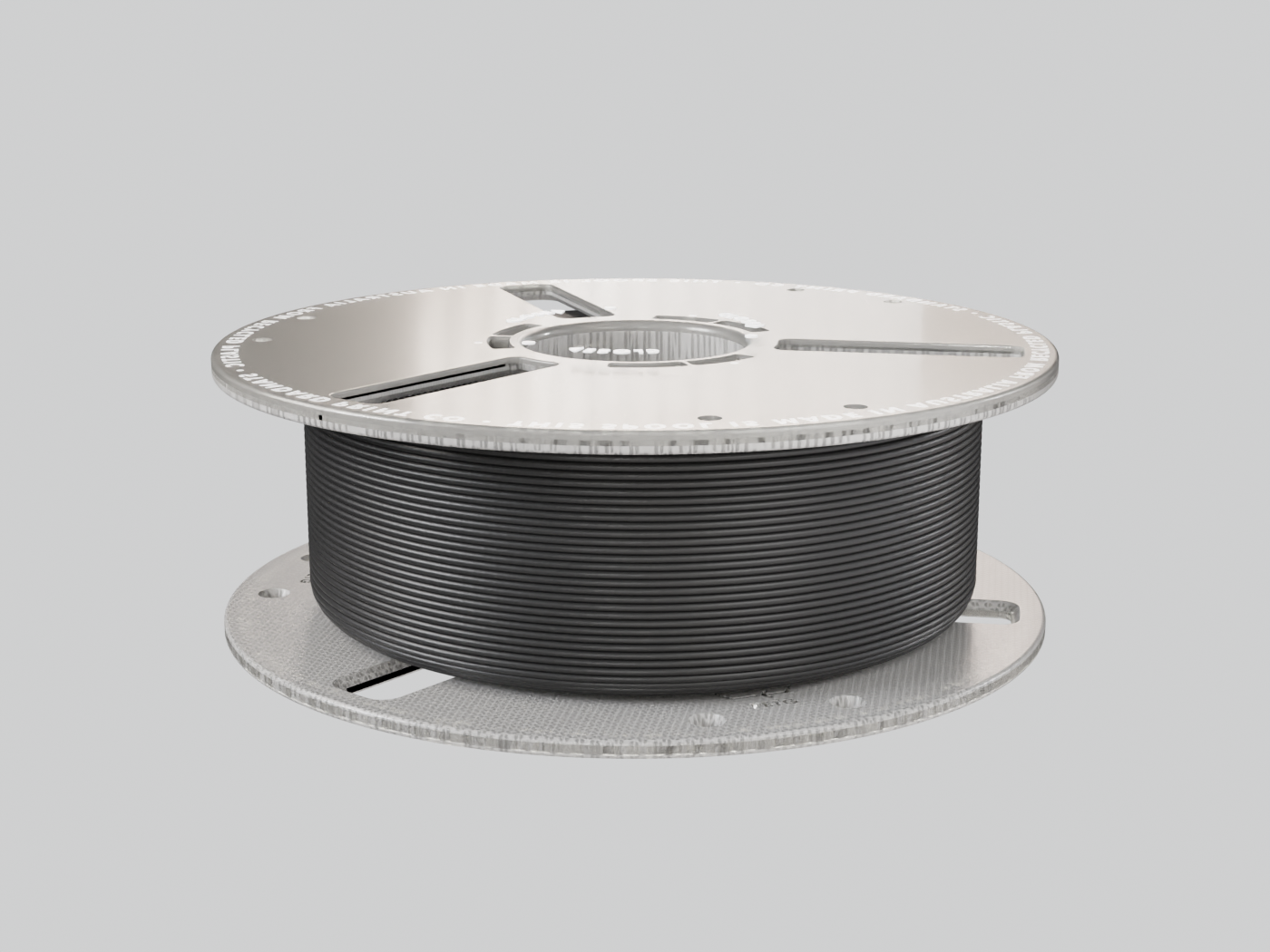
Start loaded
Begin with the ECO Spool loaded and closed. The DRY090 goes in without opening it.
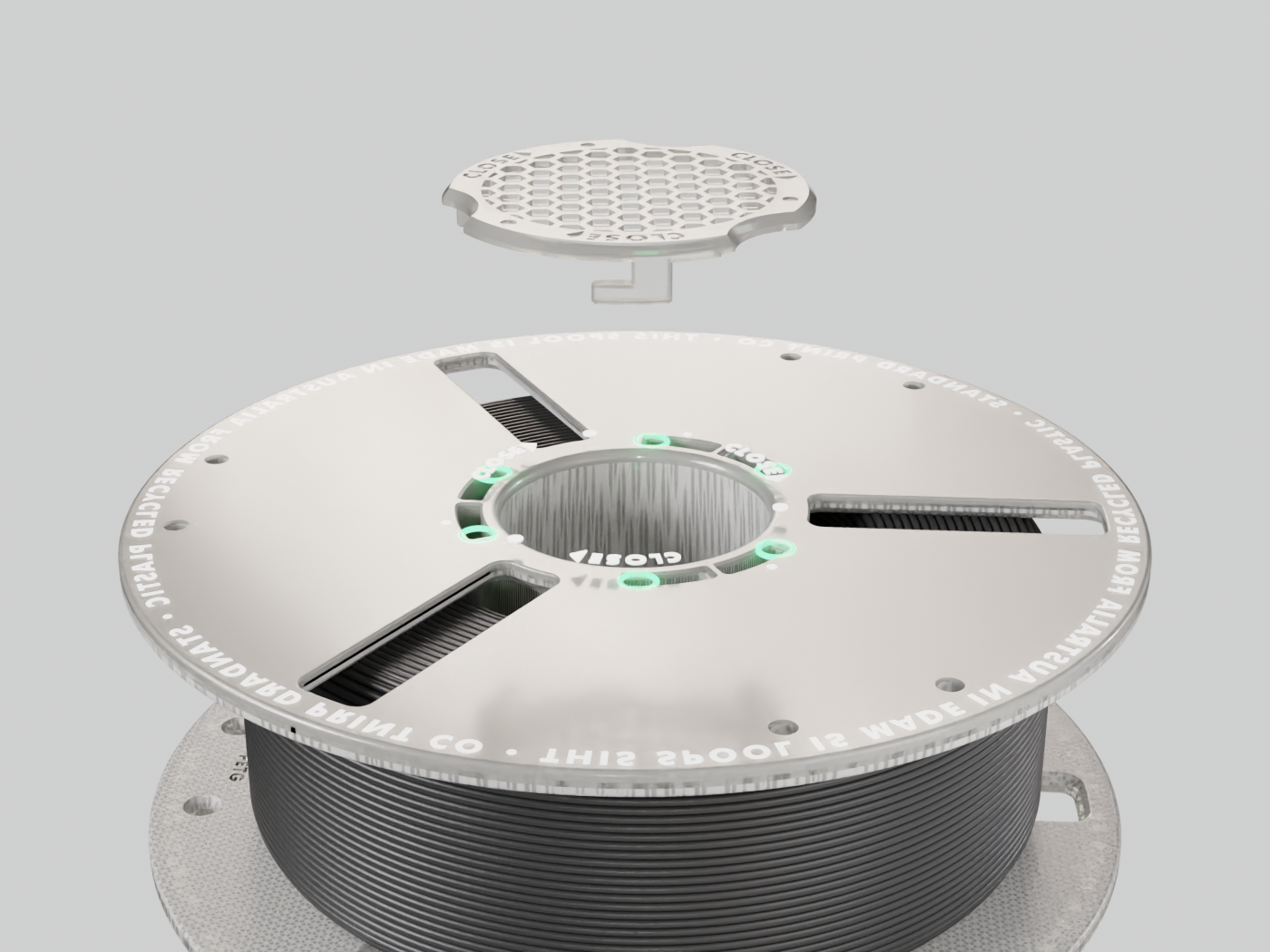
Drop a clip in
Line a desiccant clip up with the hub cavity. Its tabs go into the six holes around the hub.
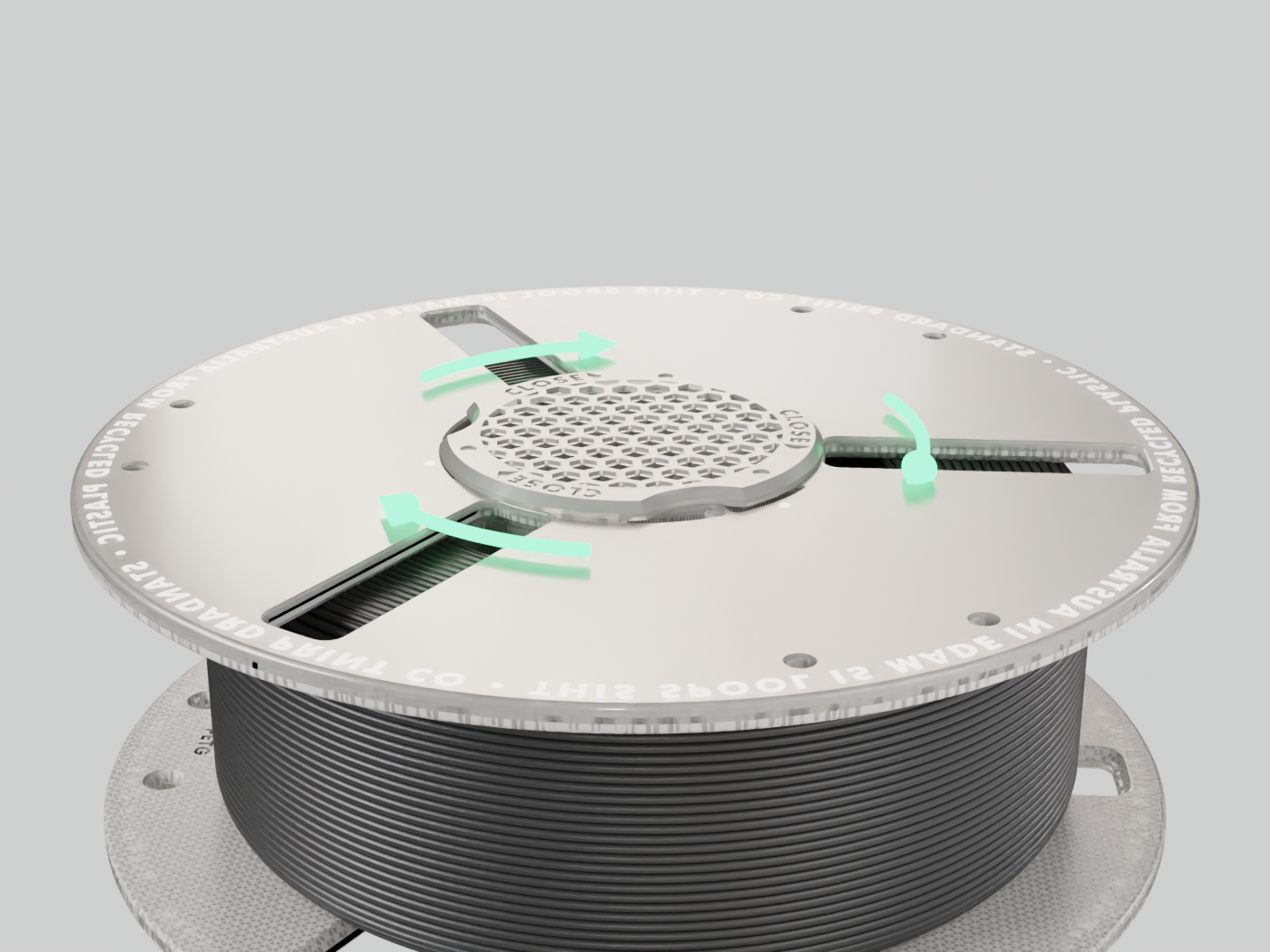
Turn it clockwise
Press the clip home and turn it clockwise to lock.
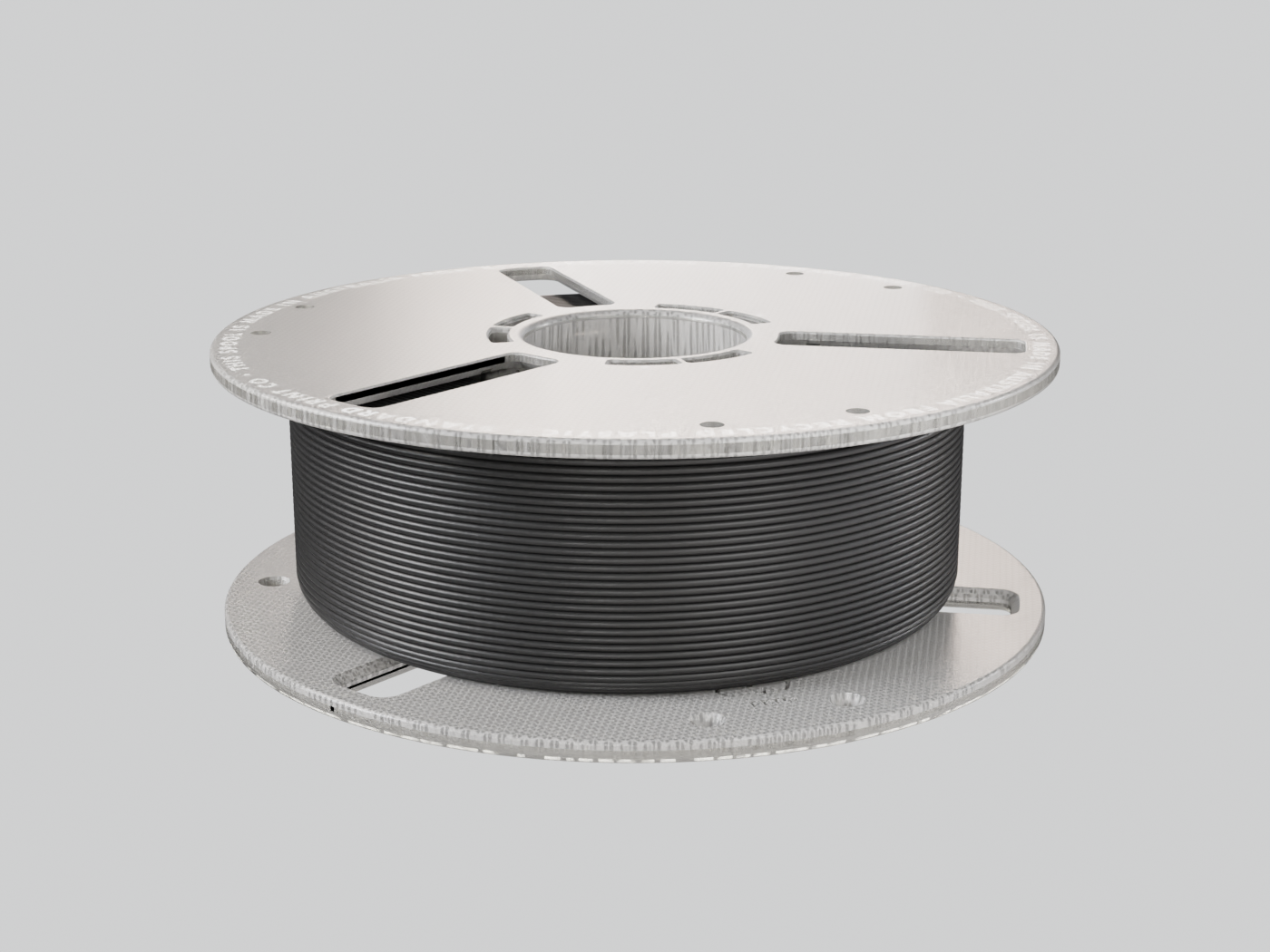
Turn the spool over
Flip the spool. The locked clip is now underneath, holding that end.
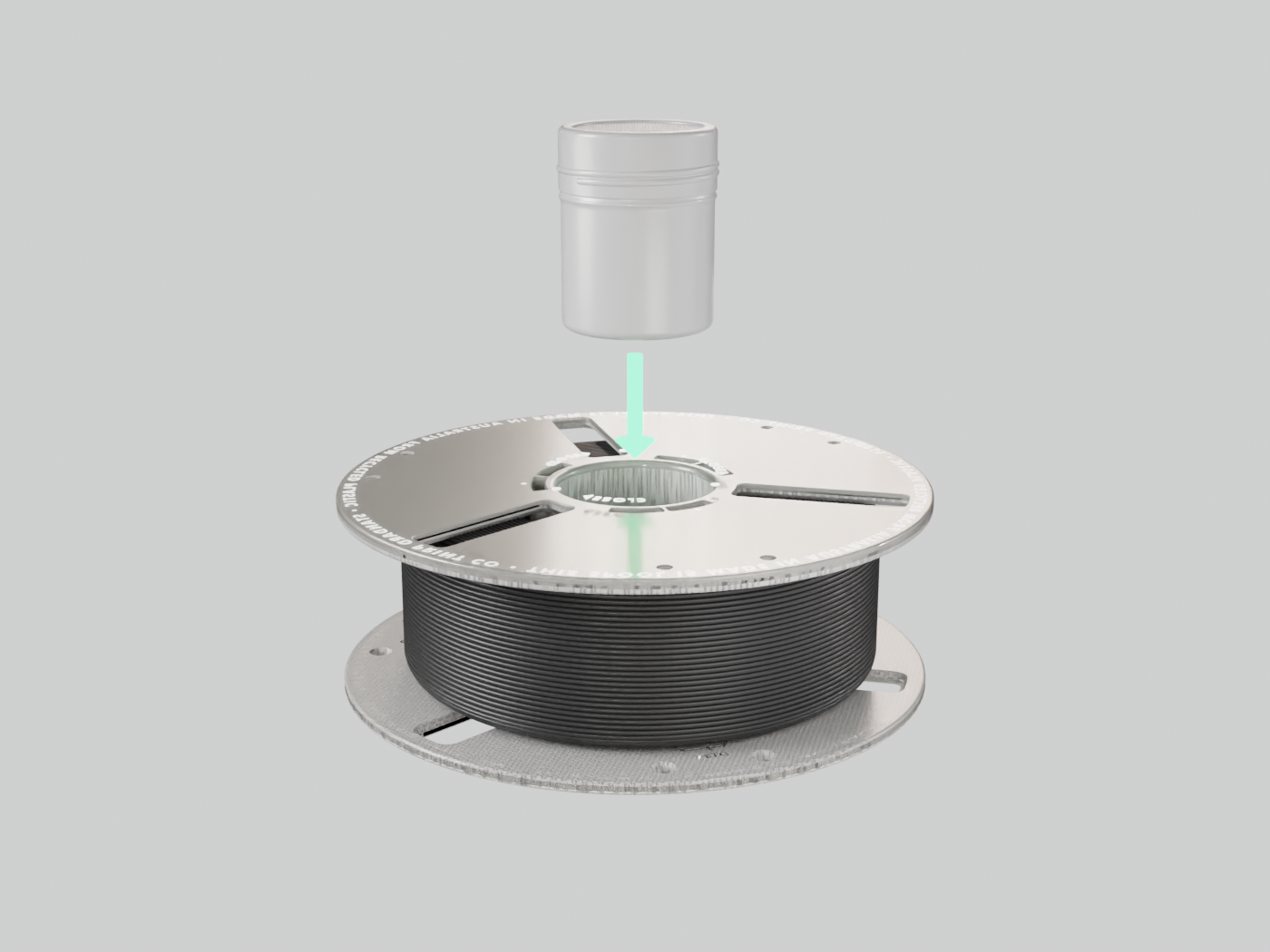
Slide the DRY090 in
The canister drops straight into the bore through the middle of the spool.
Second clip, locked
Fit the second clip and turn it clockwise. The canister is held at both ends.
FAQ
Frequently Asked Questions
Hit a Snag?
Reload issues — describe what's happening and we'll diagnose it. Field feedback also goes straight into the next hardware revision.