Standard Procedures · Slicing & Software
Prepare a print
Check the file, setup and layer preview before you start.
The result
A saved job with the setup and layer preview checked.
Before you start
- Site induction and permission to operate the printer; a trainer present if you are learning.
- A model you are allowed to use, the intended part dimensions and a clear description of what the part must do.
- The correct printer and material profiles, plus the machine and material manufacturer’s instructions.
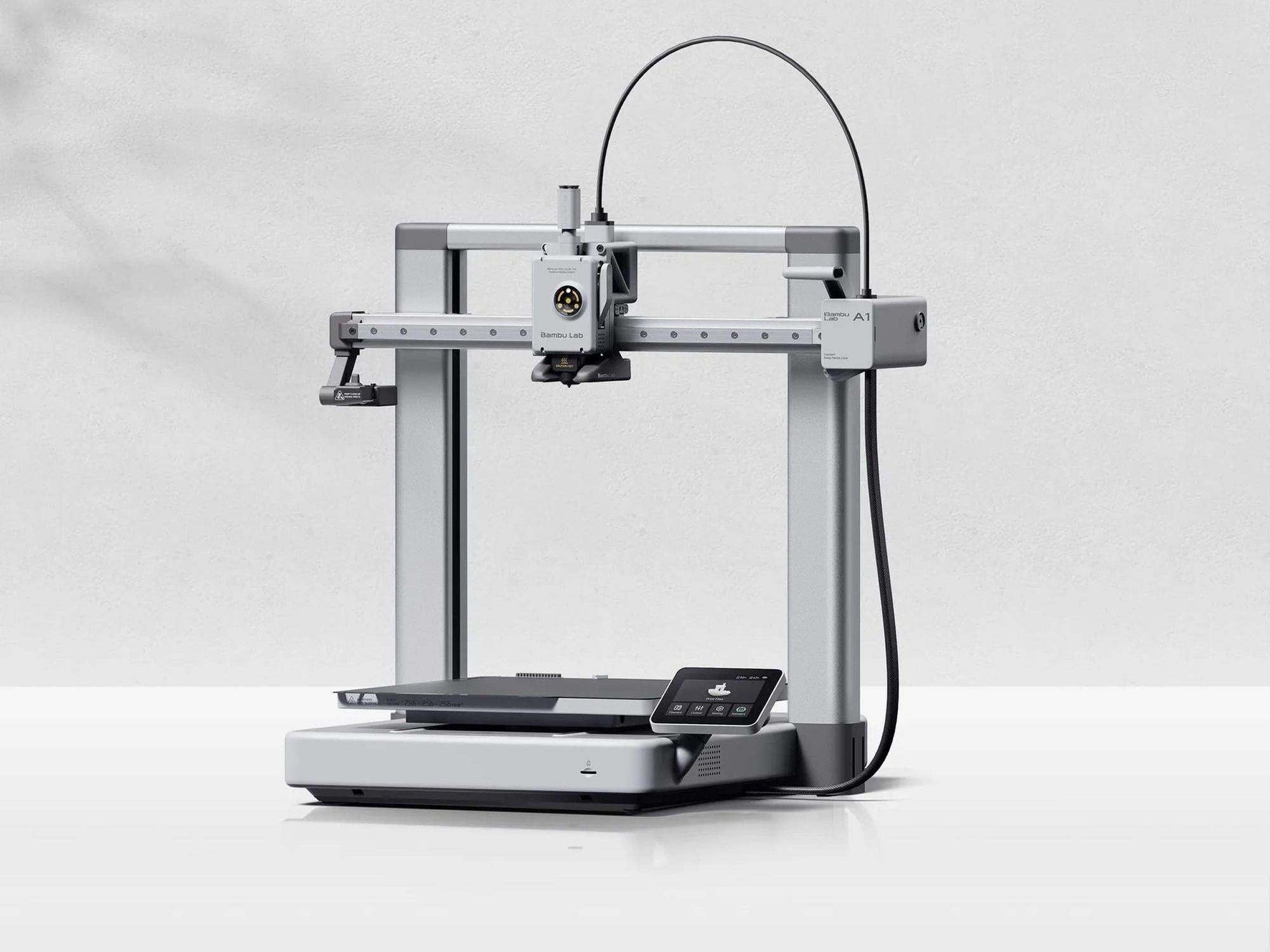
The essentials
Match the file, material, machine and settings. Downloaded projects can carry someone else's setup; check yours before slicing.
Who it is for
Inducted operators, or Level 2 learners working with a trainer.
Follow the procedure
- 1.
Define the result
Note what the part must do, its critical dimensions and any load or heat requirements.
Check: You can describe what would make the finished part acceptable.
- 2.
Check the file
Confirm the file version, permission to use it, scale and dimensions. Keep the original.
Check: The dimensions match the intended part, not just the units shown in the filename.
- 3.
Match the physical setup
Select the actual printer, nozzle, plate and material. Use a compatible profile and resolve warnings.
Check: The slicer selection agrees with the machine in front of you.
- 4.
Choose an orientation
Consider plate contact, overhangs, important surfaces and load direction. Check that supports can be removed.
Check: You can explain the main trade-off behind the chosen orientation.
- 5.
Slice, then inspect the layers
Inspect the preview from first layer to last. Look for missing features, unsupported starts, gaps and unexpected supports.
Check: The preview contains the features you need and a plausible path from the plate upwards.
- 6.
Check the job against the available time
Check time and material estimates. Assign someone to observe the start, following the site's supervision rules.
Check: There is enough material and an agreed owner for the job.
- 7.
Save and hand over
Save the project and profile version. Prepare the machine using its instructions, then check the first layer.
Check: Another operator can identify what will run and the first check they need to make.
If this happens
A feature is missing in the sliced preview.
Return to the geometry and slicing choices. Resolve the missing feature before sending the job.
The profile names a different nozzle, plate or material.
Match the profile to the fitted hardware and loaded material, then slice and inspect again.
You cannot explain a support or orientation choice.
Review the slicing foundations or ask your trainer before committing the print.
Check your result
- 01The saved project identifies the machine, nozzle, plate, material and profile version.
- 02Critical features are visible in the layer preview and supports have a removal plan.
- 03The estimated duration fits the available supervision and the job has an owner.
Check your understanding
Read the reasoning
The project’s original settings describe someone else’s setup. Match your actual setup first; then inspect the new toolpaths, not just the model.
Material, build plate and support for each layer.
Decide whether to continue or stop at the start of a print.
Give the next operator a useful record.
More in Slicing & Software
Background reading
The theory behind these procedures, in STANDARD Knowledge.