Standard Procedures · Hardware & Maintenance
Read the first layer
Watch the start. Stop if the lines lift, drag or fail to form.
The result
A safe decision to continue or stop, based on what you can see.
Before you start
- A prepared job with the machine, plate and material selections checked.
- A clear view of the build area and knowledge of the printer’s normal stop control.
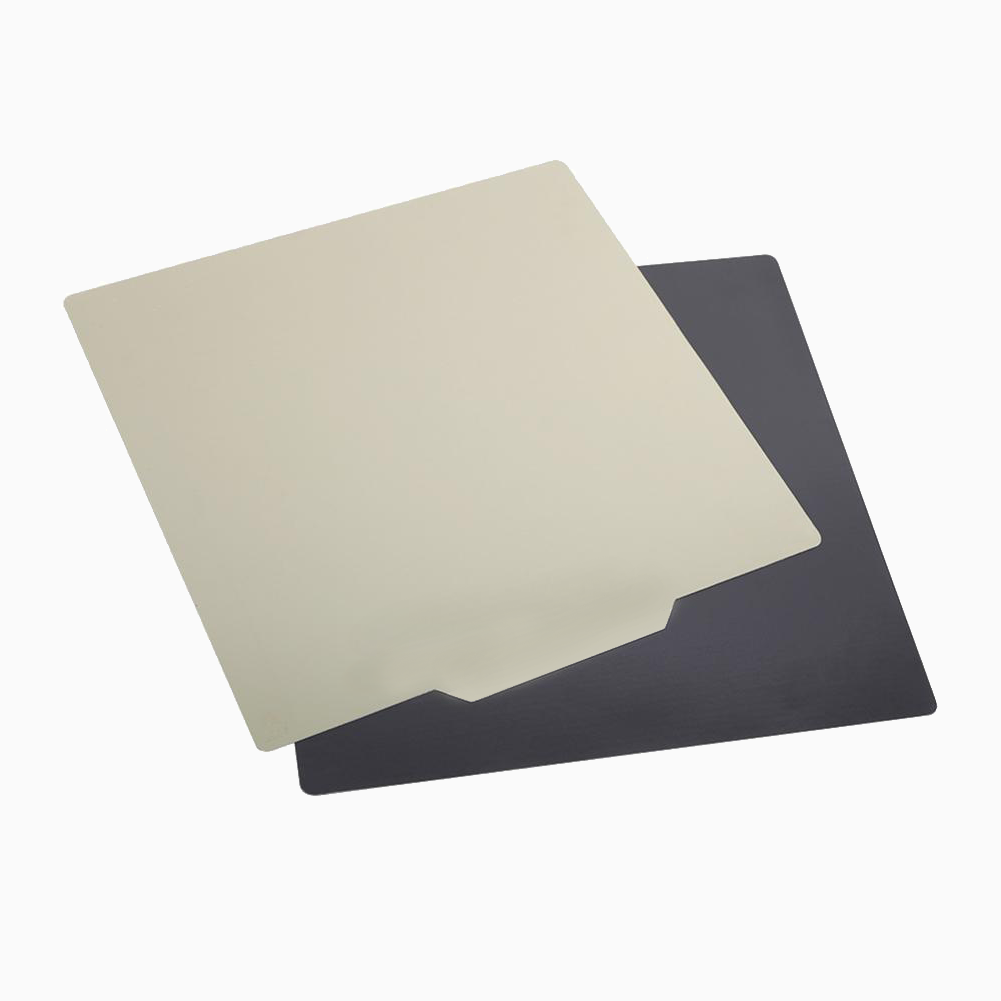
- A clean, correctly seated build plate prepared according to its instructions.
The essentials
Compare deposited lines with the preview and a good result from the same setup. Plate texture, material and profile affect how the first layer looks.
Who it is for
Inducted operators. New operators should practise with a trainer.
Follow the procedure
- 1.
Know the intended first layer
Check the preview for outlines, supports and any brim before starting.
Check: You can distinguish the intended shape from loose, displaced material.
- 2.
Observe from outside the moving area
Watch without reaching inside. Keep the normal stop control accessible.
Check: You have an unobstructed view and can stop without entering the moving area.
- 3.
Compare line contact and consistency
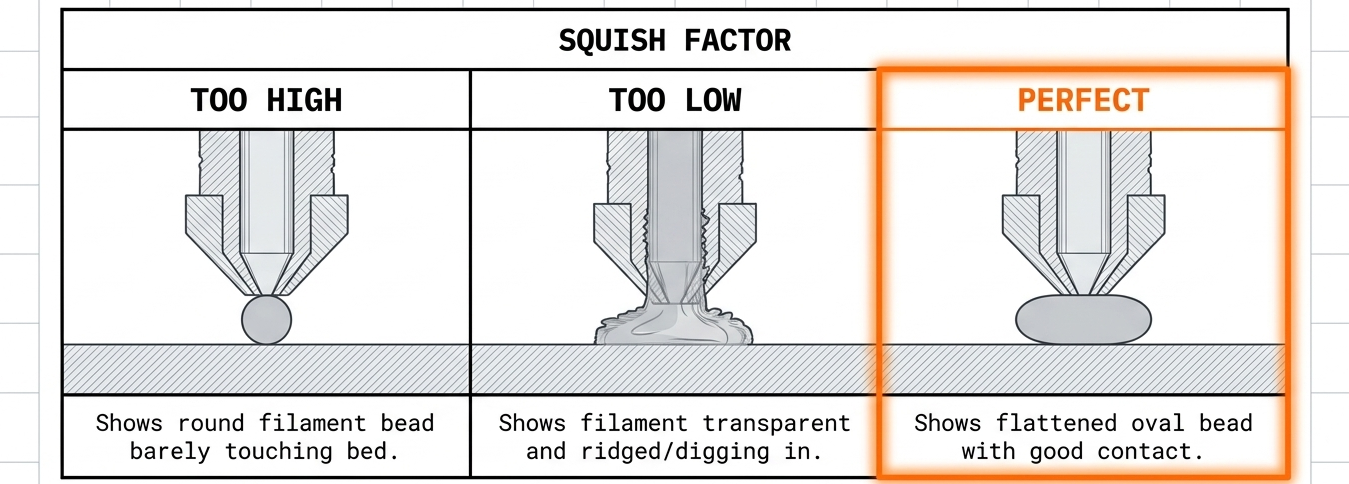
Look for consistent, joined lines where the preview shows a solid area. Notice gaps, ridges, dragging or lifting.
Check: Your decision is based on the print and preview, not only on whether the machine reports an error.
- 4.
Stop a failed start
Stop a failing start using the printer controls. Wait for movement to stop and hot parts to cool before clearing material as instructed.
Check: No hands or tools enter while the machine is moving.
- 5.
Inspect the setup before changing settings
Check plate selection, seating and cleanliness, material and error messages. Do not assume every adhesion fault needs an offset change.
Check: You have a specific observation and a justified check to carry out.
- 6.
Restart as a controlled check
Record the correction, repeat the job where appropriate and watch again. Escalate repeated faults or damage.
Check: You can say what changed and whether the same symptom returned.
If this happens
Lines are consistent and the intended first-layer shape remains attached.
Continue under your normal supervision rules and record the successful start.
Lines lift, the nozzle drags loose material, or the intended shape is not forming.
Use the normal stop control. Wait for movement to cease and parts to cool before inspection.
No material appears, clicking repeats, or an error message is displayed.
Stop the job and record the symptom and message. Follow the model-specific troubleshooting instructions or escalate.
Check your result
- 01You can point to the observation that justified continuing or stopping.
- 02A failed start has a photo, material/profile details and the exact error text if present.
- 03Any restart follows a documented check rather than several unexplained setting changes.
Check your understanding
Read the reasoning
Loose material is a failed start. Stop before intervening; keep hands and tools away from moving and hot components.
Check the file, material, machine and preview first.
Turn a failed start into a useful investigation.
The principles behind preparation, printing and removal.
More in Hardware & Maintenance
Background reading
The theory behind these procedures, in STANDARD Knowledge.